Android TV app · Android tablet · web browser
What is happening in the world.On your television.
Tickwire turns a TV that is already on into a calm news screen: headlines from more than 25 outlets, a station clock and live TV news. Glance up, see what matters, get back to your day.
Your screen. Seven days free.
No card. No automatic payment. Start when you are ready.
No credit card needed. The trial runs 168 hours and ends on its own. Nothing is charged. Then $5 a month or $50 a year if you want to keep it.
How it worksLive preview with real headlines · your local clock · update status shown above
What you see
Your news screen. Your choice of view.
Start with News, Clock or Live TV. Use left and right on the remote to switch views; open Customize to choose the layout, topics and appearance that suit your screen.
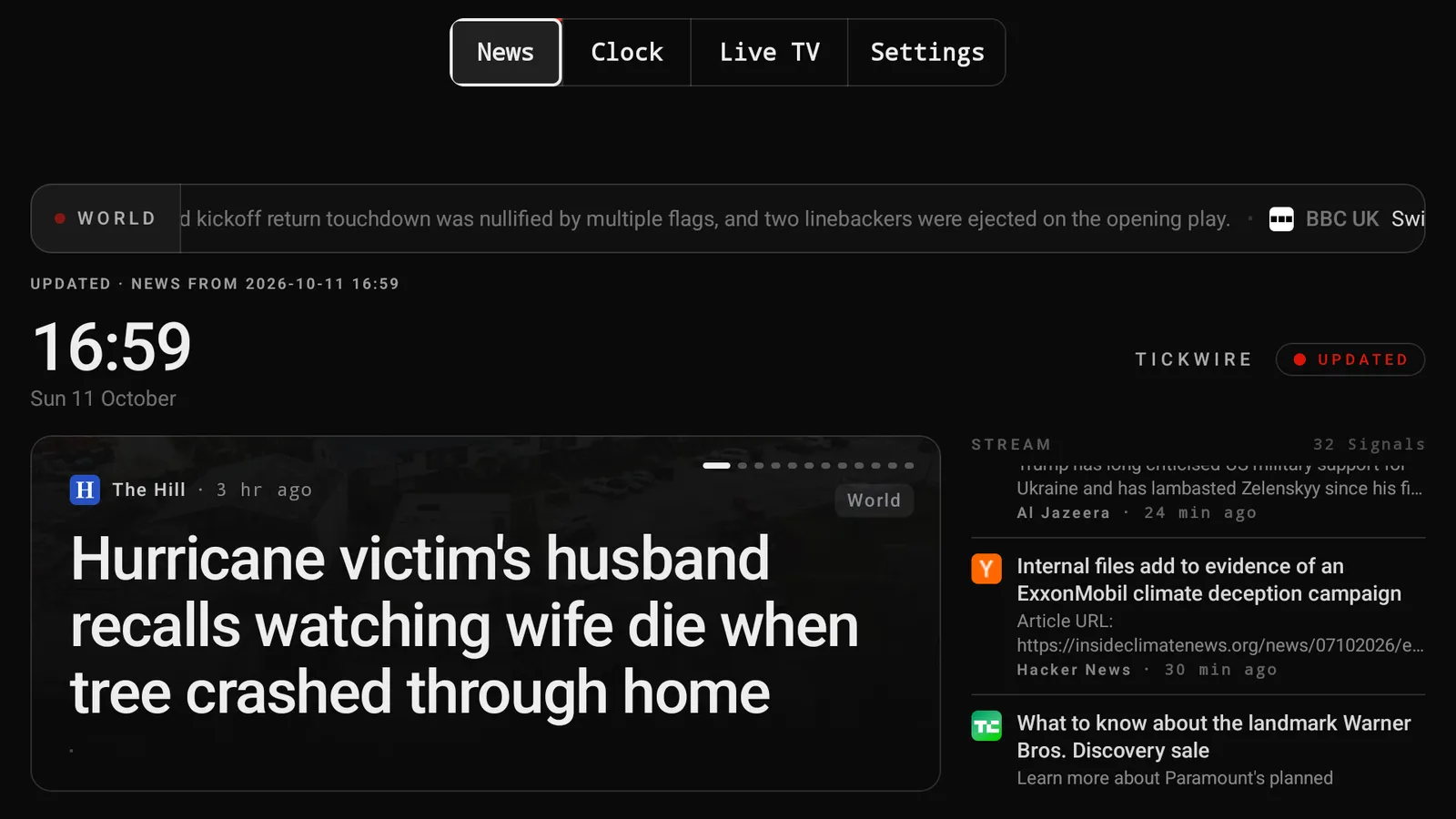
News
The top story and the stream
Headlines from more than 25 outlets, grouped and sorted. Each story shows its outlet and how long ago it was published, so you can tell what is new and where it comes from.
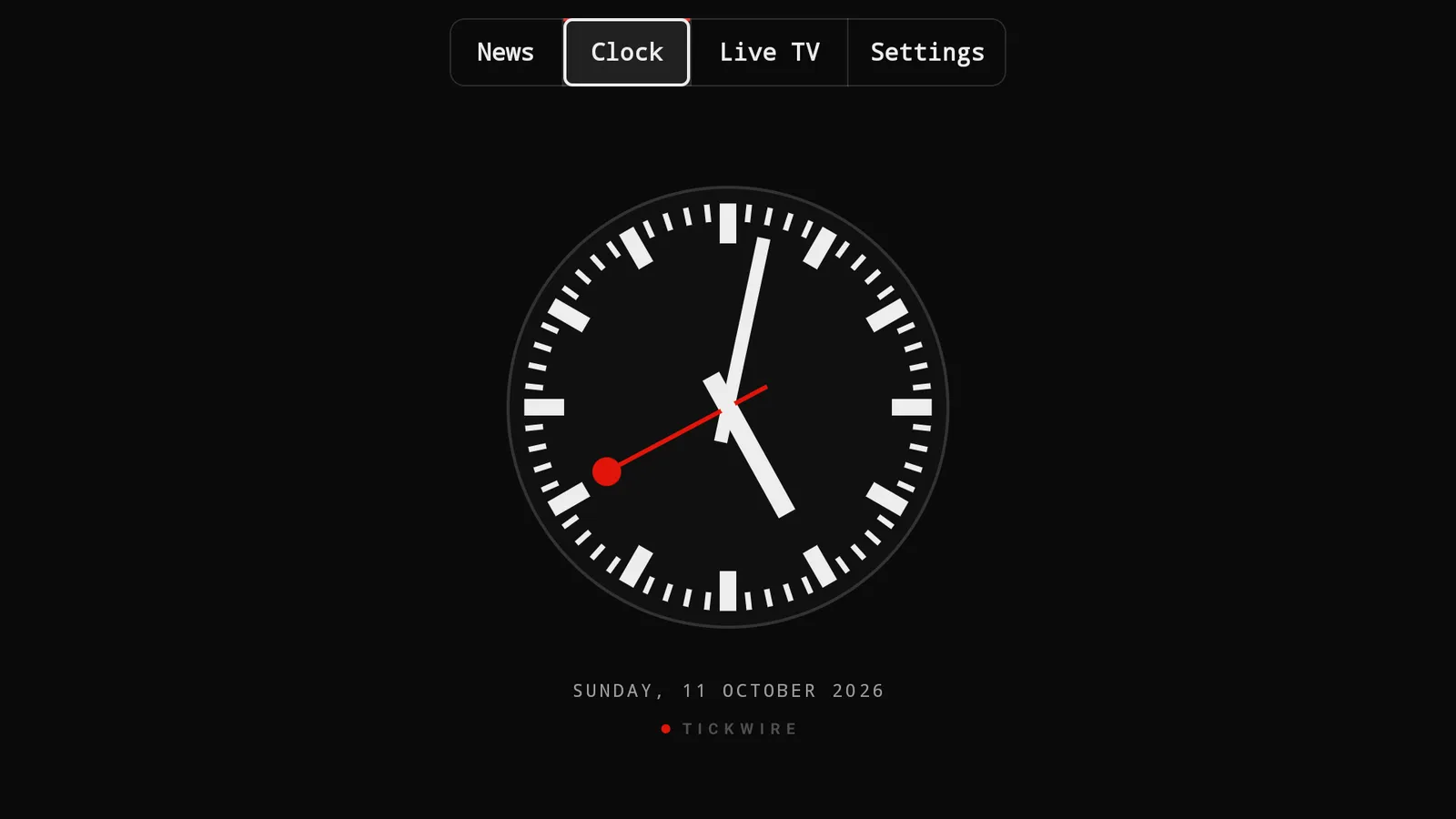
Clock
A quiet station clock
For the hours when you want the screen calm. Big enough to read from the sofa.
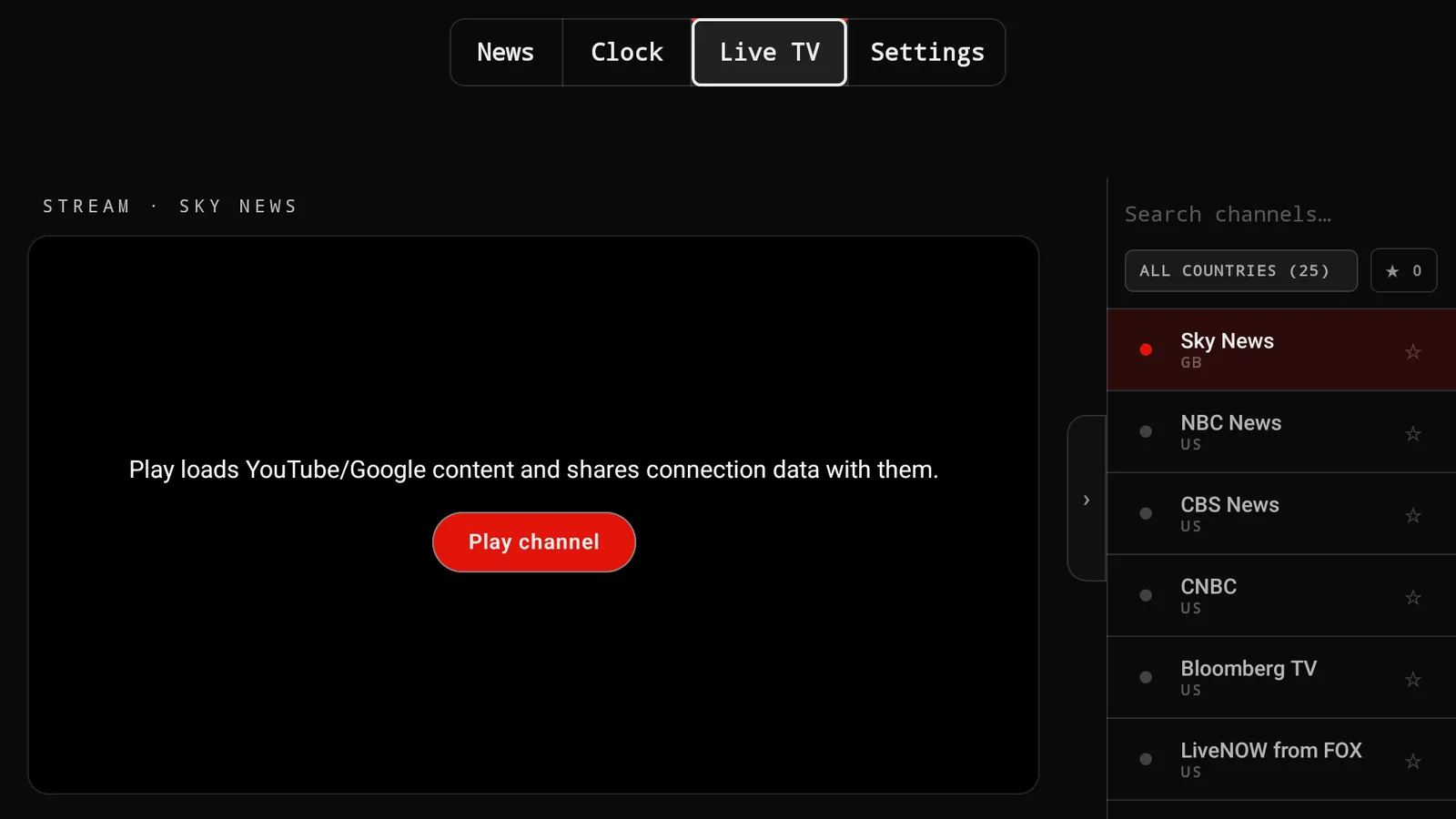
Live TV
News channels, started by you
Official streams from broadcasters such as Sky News, NBC News or Bloomberg TV. A channel plays only when you press Play; availability depends on the broadcaster and your region.
Screens from the Android TV app, captured on 11 October 2026 with live headlines. The headlines change every minute; broadcaster streams may carry their own advertising.
Start with the TV. Add the screens you already have.
One account. Sign in on each device you want to use; nothing needs to be paired.
On your television
Install Tickwire from Google Play on an Android TV or Google TV device and sign in. The remote does the rest: left and right switch between your enabled views. The Play listing on your device shows whether it is available there.
A news screen beside you
On an Android tablet it is the same app and the same account. Stand it on the desk or in the kitchen and glance at it between tasks.
Sign in, check, manage
The app also runs on an Android phone. Read and save articles, browse story cards, manage your account or pair with your television on the same Wi-Fi.
Any screen with a current browser
Open app.tickwire.news on a laptop or a spare monitor and sign in. The web version combines news, clock and live TV with display customization. Check readability from where you sit before you rely on it.
Google TV Streamer and Chromecast with Google TV are still being confirmed; do not buy one of those just for Tickwire yet. There is no native iPhone or iPad app.
From here to your screen in three steps.
The Android app is installed from Google Play. The web version needs no installation, only a browser.
- 01
Create your account
Email address and password, or Google. We send one email to verify your address. You can do this on this website or directly in the app on your TV.
- 02
Start your free 7 days
Press Start on this website or in the app. The 168 hours begin at that moment and end on their own. No card, nothing is charged.
- 03
Put it on the screen
On an Android TV or tablet, install Tickwire from Google Play and sign in with the same account. In a browser, open app.tickwire.news. Then choose News, Clock or Live TV.
After 168 hours the screen locks and nothing is charged. If you want to keep it, choose $5 a month or $50 a year. You can cancel future renewals any time in your billing account.
Free to try. One price after.
Free trial
7 days
- 7 days free for new accounts: 168 hours from the moment you start it.
- No credit card. Nothing is charged, and the trial ends on its own.
- Afterwards you choose: $5 a month or $50 a year, cancelled any time in your billing account.
Monthly
$5 / month
Billed monthly. Cancel any time; cancelling stops future renewals.
Yearly
$50 / year
One payment for twelve months: $10 less than paying monthly.
Included
- News from more than 25 outlets, grouped and sorted, with outlet and time on every story
- A station clock view
- Live TV news where the broadcaster makes a stream available
- One account on your supported devices
- A dark, calm display with no advertising from us (broadcaster streams may carry their own)
- Cancel any time in your billing account
Questions people ask first.
- Which devices does Tickwire run on?
- The Android app is made for Android TV and Google TV devices and is listed on Google Play; the listing on your device shows whether it is available there. It also runs on Android tablets. A phone works as well, mainly for signing in and managing your account. The web version runs in a current browser without installing anything. Google TV Streamer and Chromecast with Google TV are still being confirmed, so do not buy one of those just for Tickwire yet. There is no native iPhone or iPad app.
- Do I need extra hardware?
- No new hardware if your TV runs Android TV or Google TV, or if you have an Android tablet. The web version needs only a browser. If your TV has neither, you would need an Android TV device; availability for Google TV Streamer and Chromecast is not confirmed yet.
- Where does the news come from?
- From more than 25 established outlets, including BBC, Guardian, Reuters, AP, Bloomberg, Al Jazeera, NPR, DW and France 24. Duplicate reports are merged, and every story shows its outlet and when it was published. The number of outlets reporting an event is a reading aid, not a fact-check.
- Can I use one account on several screens?
- Yes. Sign in with the same account on each supported device; your access applies to all of them. Nothing needs to be paired.
- How does the free trial start and end?
- It starts when you press Start on this website or in the app, once your email address is verified. It runs 168 hours and ends on its own. There is no card and nothing is charged. One trial per new account. When it ends, the app shows that the trial is over, and you choose a monthly or yearly plan only if you want to continue.
- What does it cost after the trial?
- $5 a month or $50 a year, in US dollars, through Stripe checkout; the available payment methods are shown there. The yearly plan is one payment for twelve months. Cancel any time in your billing account; cancelling stops future renewals.
Tickwire is built and kept by hand in Switzerland by me, Ryan. When something breaks or a source is missing, you write to a person, not a ticketing system: info@tickwire.news. How sources, updates and corrections work is on the press page.
Put it on your screen tonight.
Try 7 days freeNo credit card needed. 168 hours, ends on its own. Then $5 a month or $50 a year.